AI sound design in 30 seconds
You wanted to know which tool I use. Here's the complete workflow, from silent to cinematic.
The foundation: Video to Music.
- Sign up at ElevenLabs
Start for free via the link, no credit card.
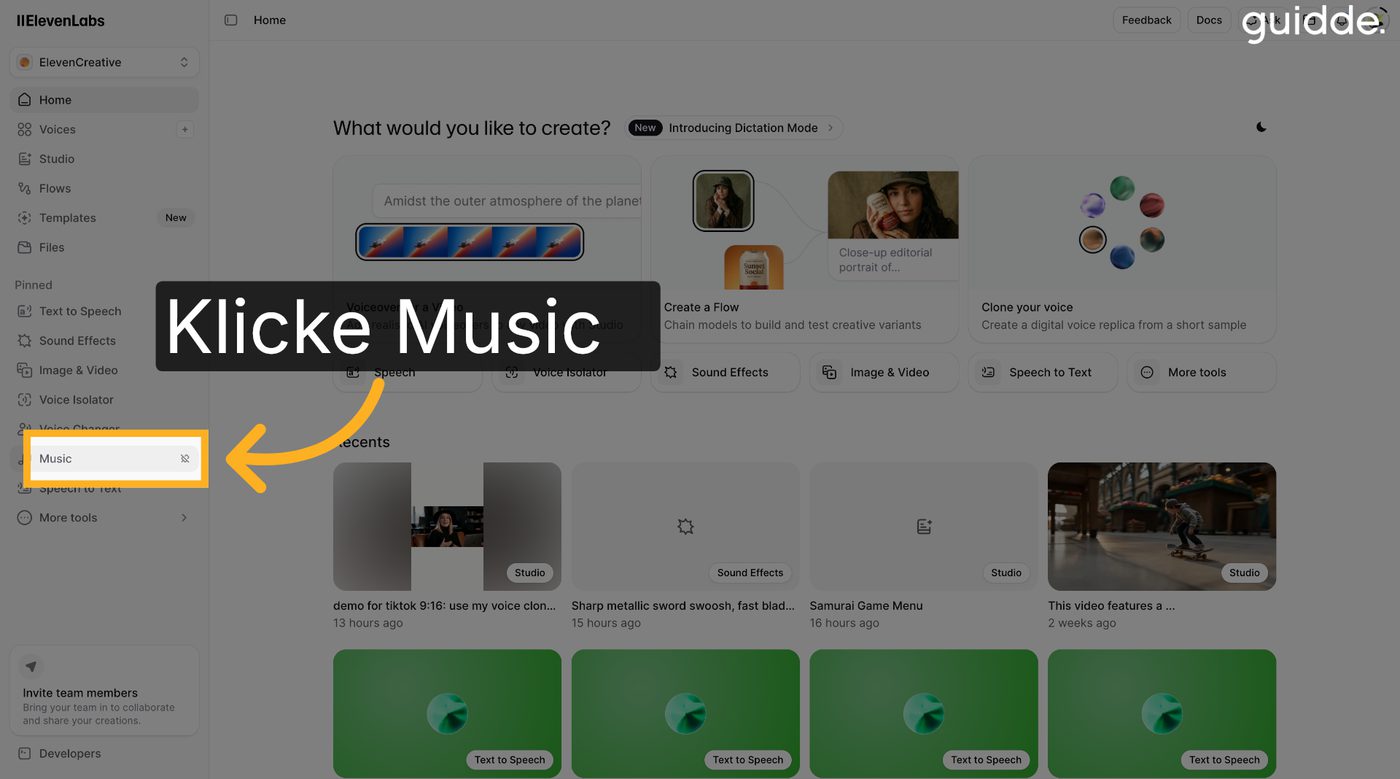
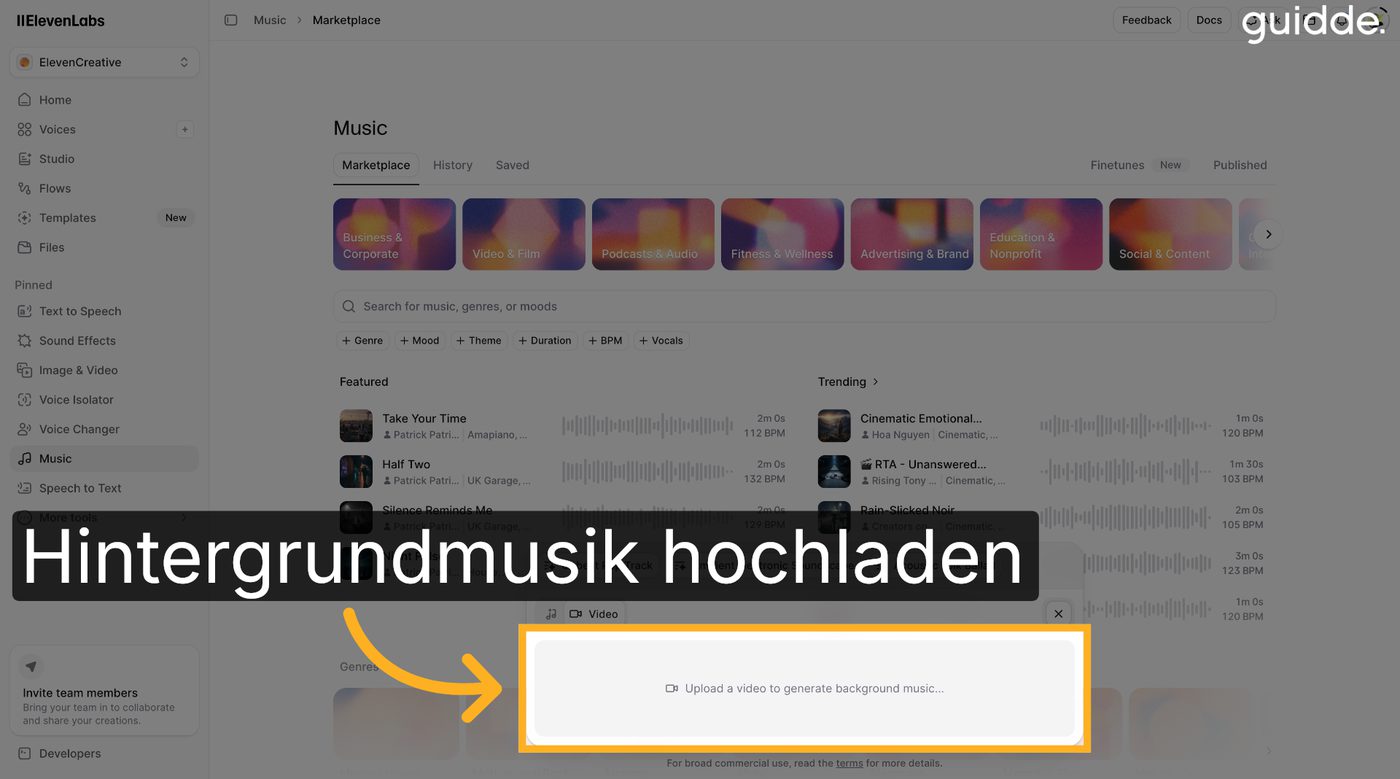
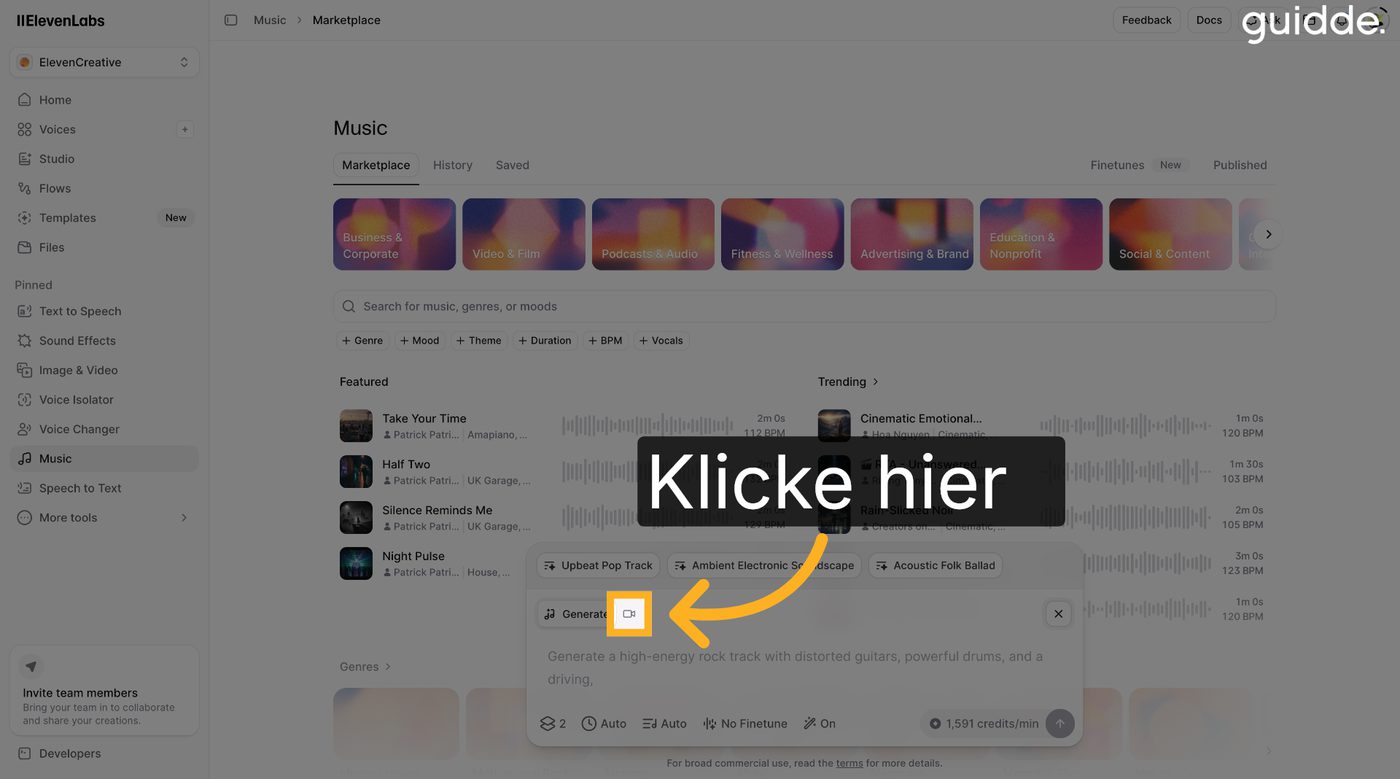
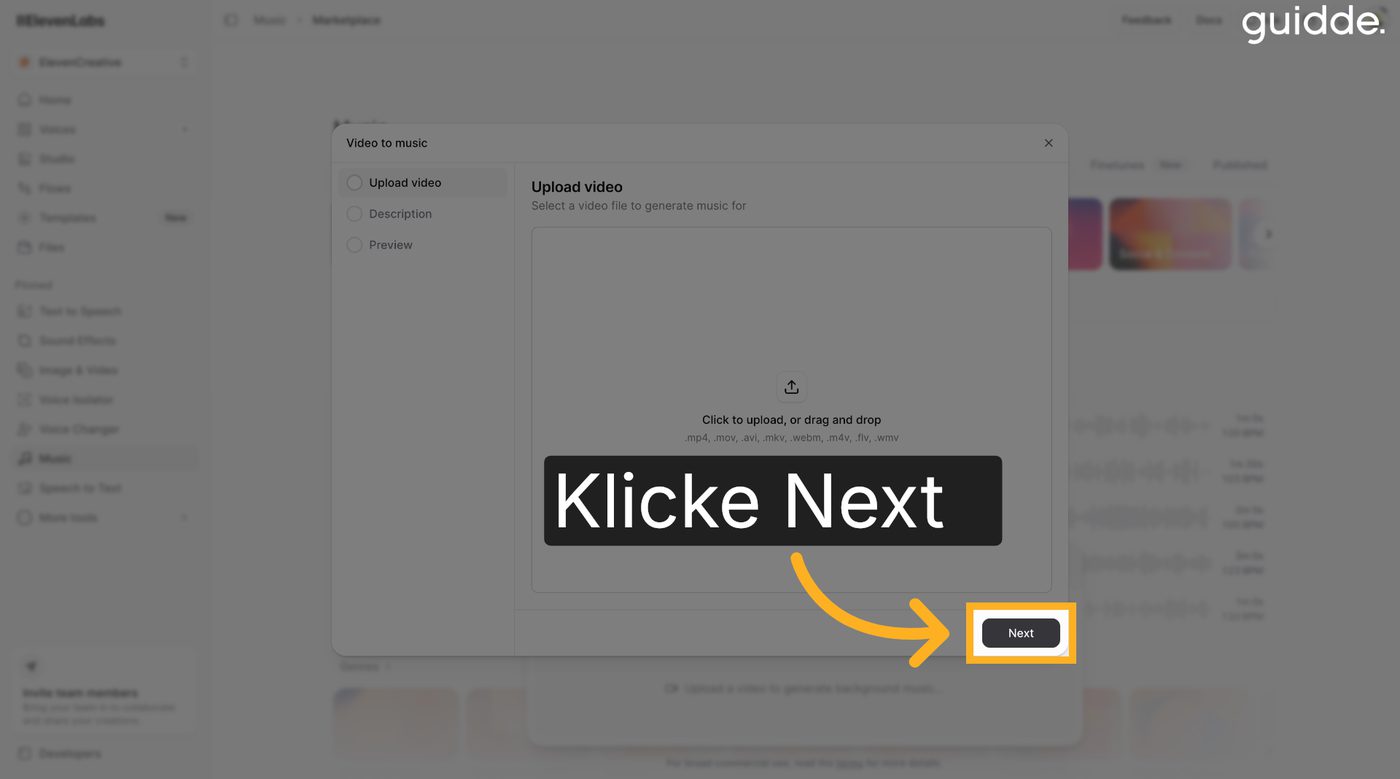
- Music → Video to Music
Click Music in the left menu, then choose “Video to Music” and upload the silent video.
- The AI reads the atmosphere
ElevenLabs analyses the footage and describes the scene itself. You don't have to enter anything.
- Generate Music
Click “Generate Music” and the AI builds the matching soundtrack. I was surprised myself how good it sounds.
The highlights: sound effects.
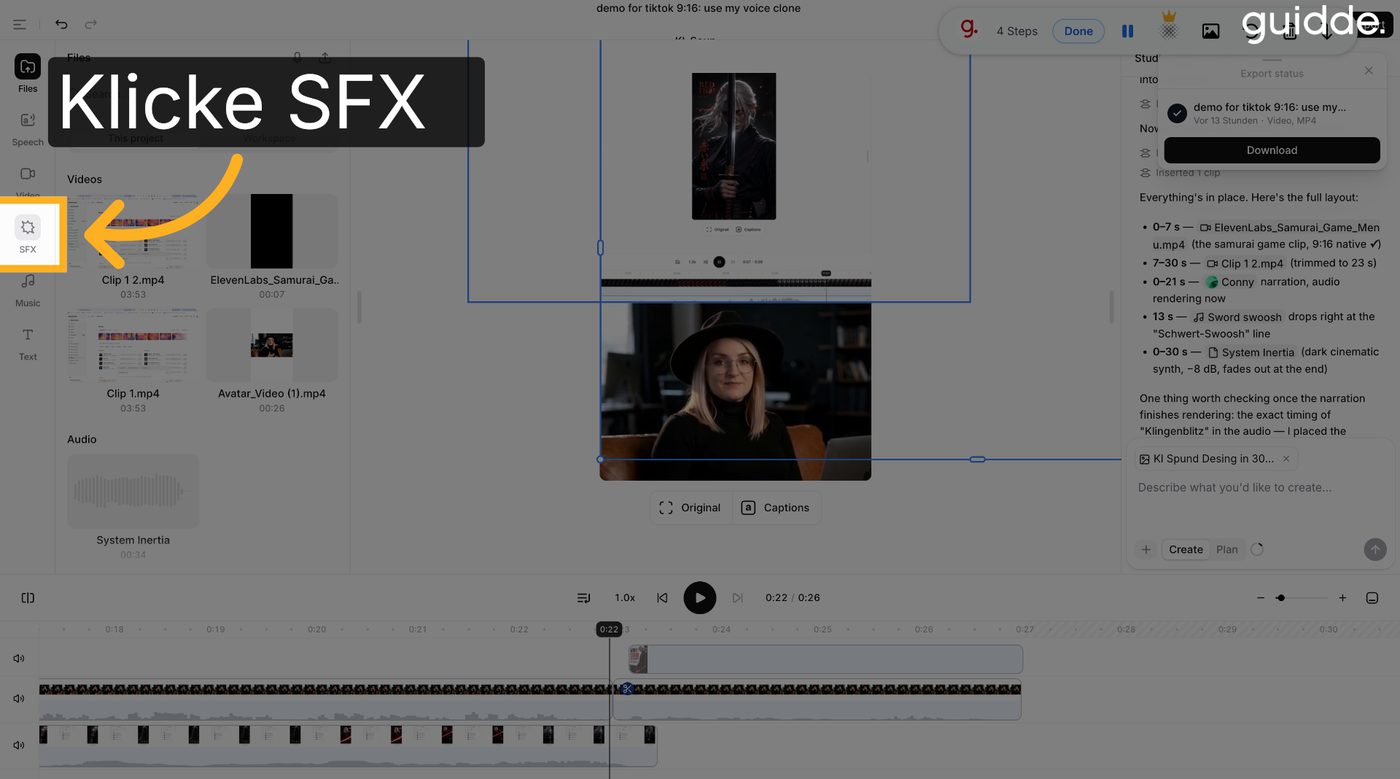
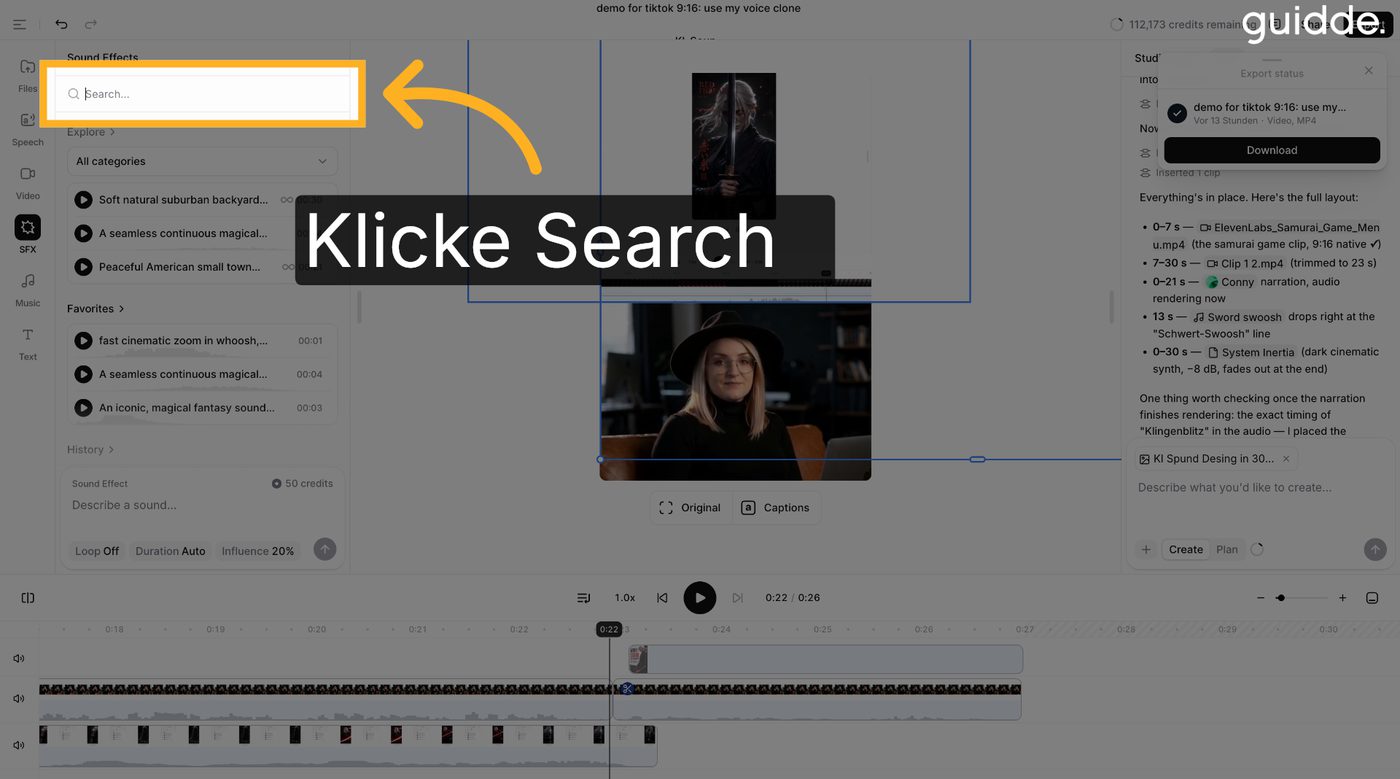
- Open SFX
Switch to SFX (Sound Effects) in the left menu.
- Search with keywords
Describe in single words what happens in the video. For the blade I combined:
swordcinematicmagicalfantasy - Drag into the timeline
Drag the matching effect straight into the timeline. Done.
The finishing touch: Studio Editor.
- Drag tracks into the timeline
Drag music and effects into the integrated timeline below.
- Cut the effect to the moment
Move the sword swoosh exactly to the moment the blade flashes. In the reel that's at about 0:04.
- Adjust volumes and export
The music carries the atmosphere in the background, the swoosh sits crisp up front. Then export.
Clone your own voice
Under “Voice” there's Instant Voice Cloning. Upload a short voice sample, and the AI speaks with your voice.
Your first video is waiting for a soundtrack.
* Affiliate link. If you take out a subscription through it, I get a commission; nothing changes for you. I only recommend tools I use myself.